Hummingbirds on Martinique – how burst mode saves the cull
Two weeks on Martinique, Purple-throated Caribs and Antillean Crested Hummingbirds in the garden, and a camera that shoots 30 frames per second: by the end of the trip there were 16,170 files on the card. This post shows how they turned into a clean selection in a single evening.
Why bursts are non-negotiable
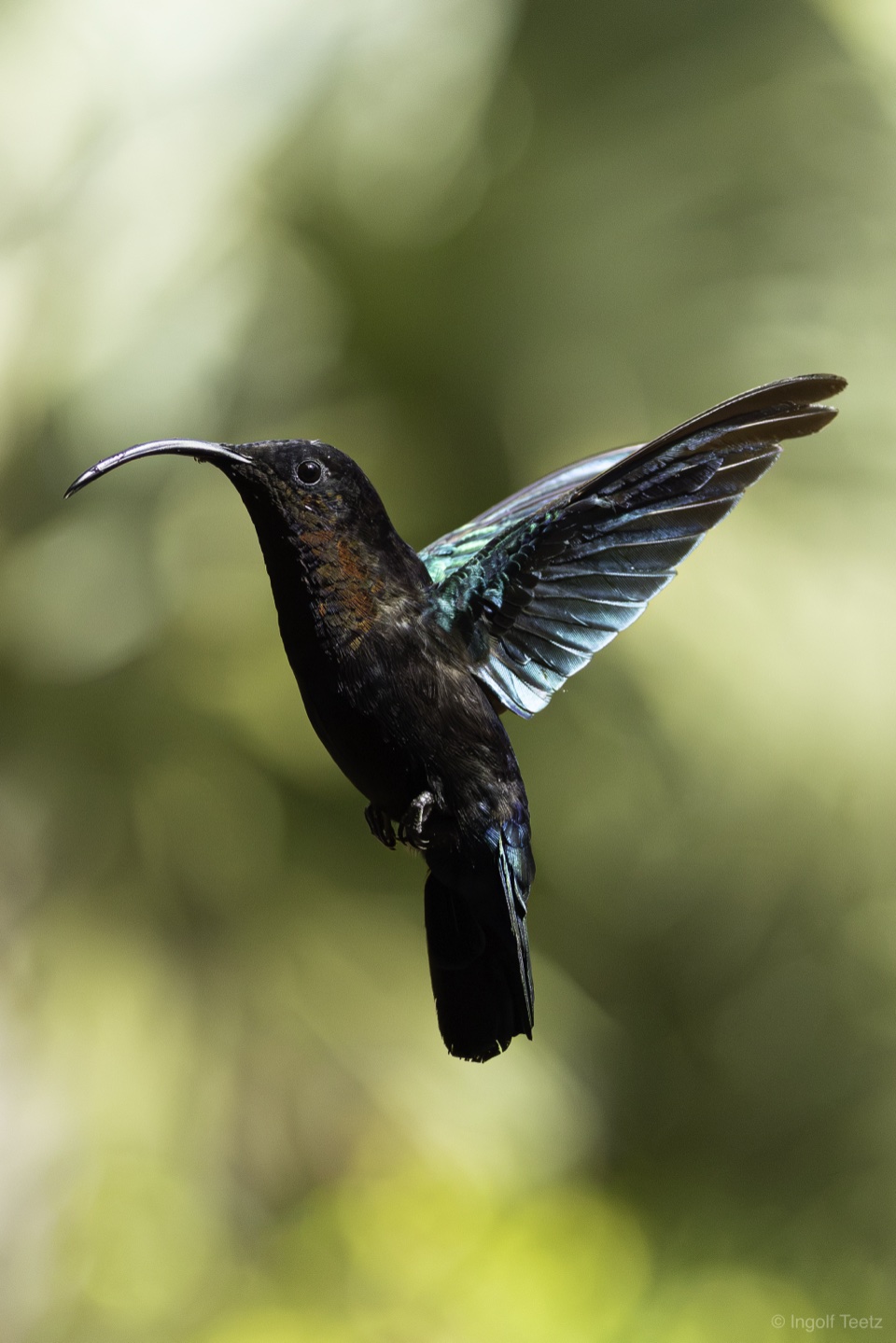
A hummingbird beats its wings up to 50 times per second and never sits still. If you want the one frame where crest, eye and wing position all line up, you hold the shutter — 20, 30 frames per second, series after series. On Martinique that meant: a single approach to a blossom became 209 frames. Multiply that by two weeks of travel and you get a memory card you'd rather not face in the evening.
I used to do that facing in Lightroom: import, wait, page through, despair. This time the first pass happened entirely in RAWFetcher — straight from the card, no import.
Step 1: stacks instead of scrolling
Burst mode detects series automatically (via EXIF burst data or timestamps) and piles them into a card deck. 16,170 individual frames became a few dozen stacks with count badges — “168”, “209”, “51”. Suddenly you see scenes instead of files: the approach to the coral blossom, the perch against the light, the feeder by the car.
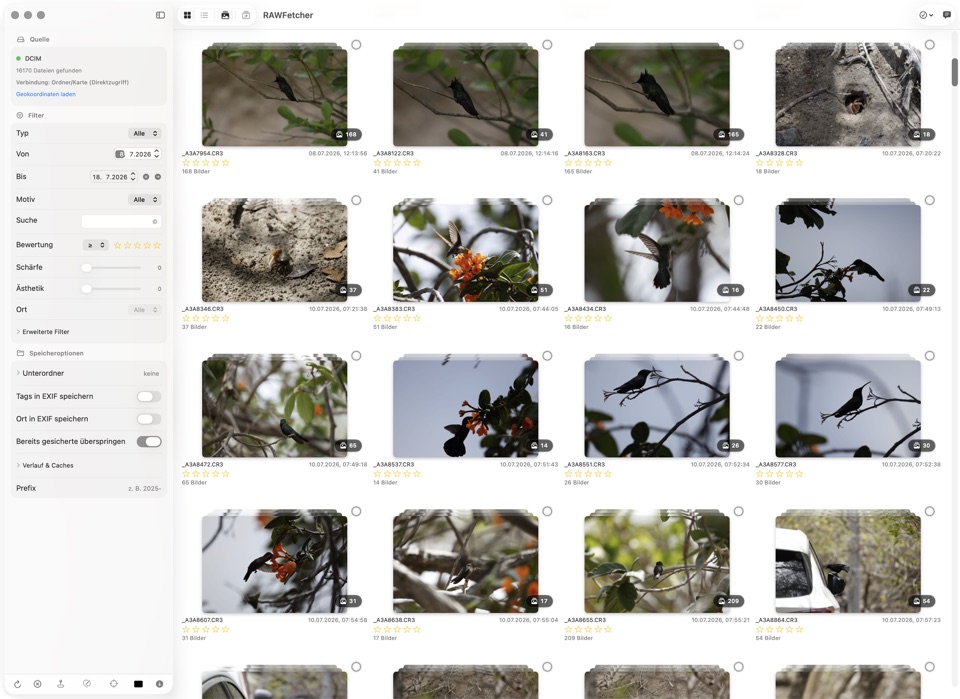
One click expands a stack, another closes it. Ratings can apply to the entire stack — handy for retiring whole scenes early, before you get lost in individual frames.
Step 2: the AI finds the sharp frames
Within a series, every frame looks identical on the camera display — on a big screen, only every tenth one is actually sharp. RAWFetcher's sharpness analysis scores each image and draws a frame around the sharpest spot. With the hummingbirds, that frame reliably landed on the head and plumage — or in the bokeh, in which case I knew without zooming: out it goes.
On top of that there's the Apple Vision aesthetics score. It doesn't replace a photographer's eye, but it pre-sorts a 200-frame series surprisingly well: flight shots with clean wing positions rise to the top, the half-hidden back sinks to the bottom. With the two filters “sharpness ≥ 50” and “aesthetics ≥ 70”, the pool shrank from 16,170 to a few hundred candidates.
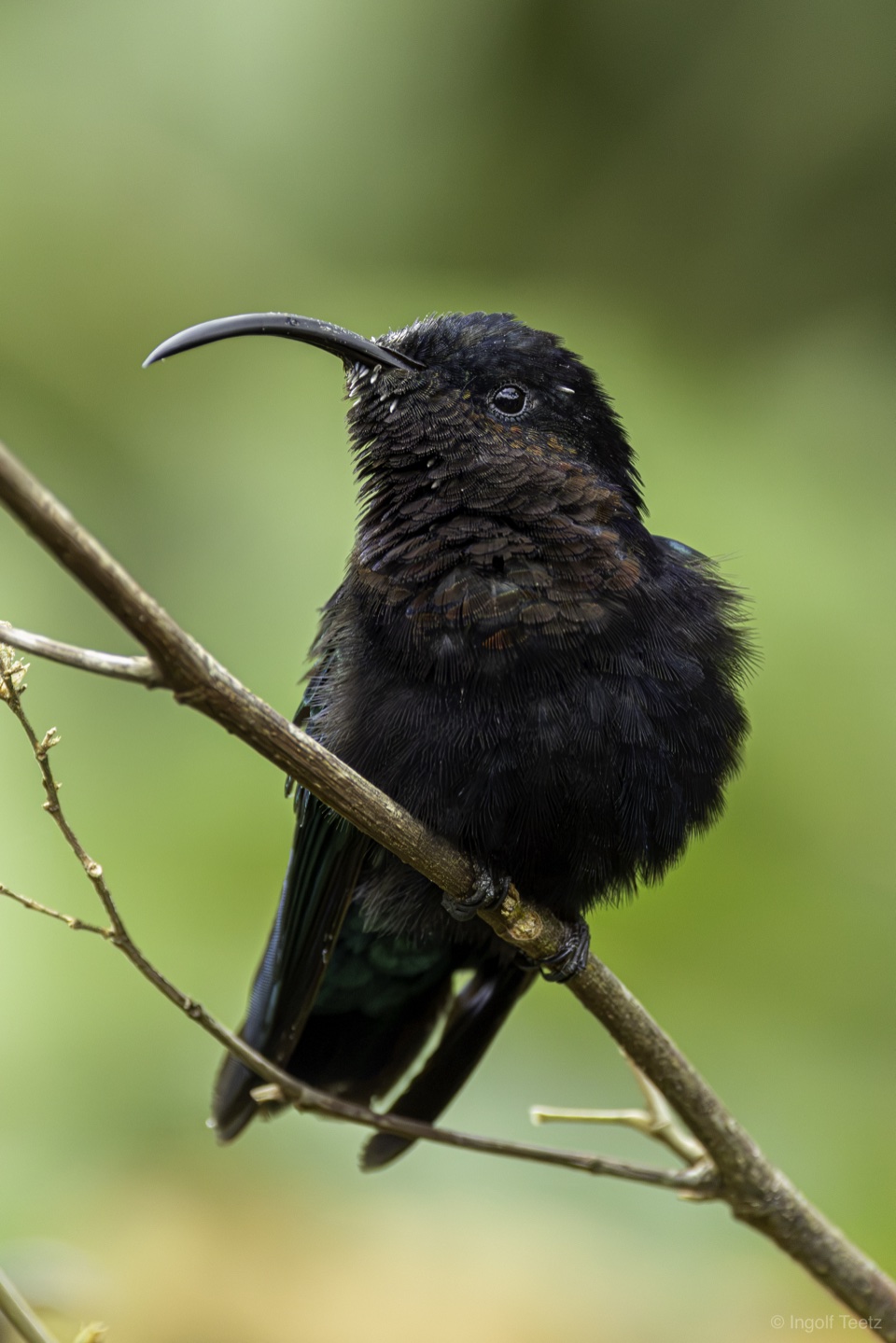
One detail that proved priceless on this trip: hummingbirds love deep shade — and the Purple-throated Carib is almost black on top of that. The exposure control in the preview (±3 stops) lets you briefly brighten a dark frame to judge sharpness and feather detail — without touching the image itself. And since the sharpness analysis now handles dark subjects correctly, a black bird in the shade finally gets the score it deserves.
Step 3: only the keepers leave the card
In the end, only the selection lands on the drive — in my case in subfolders by date and subject, with location and tag information written into EXIF. Everything else stays where it is. And because RAWFetcher remembers previews, scores and analyses per image, the same card is instantly browsable the next time you plug it in — ratings included.
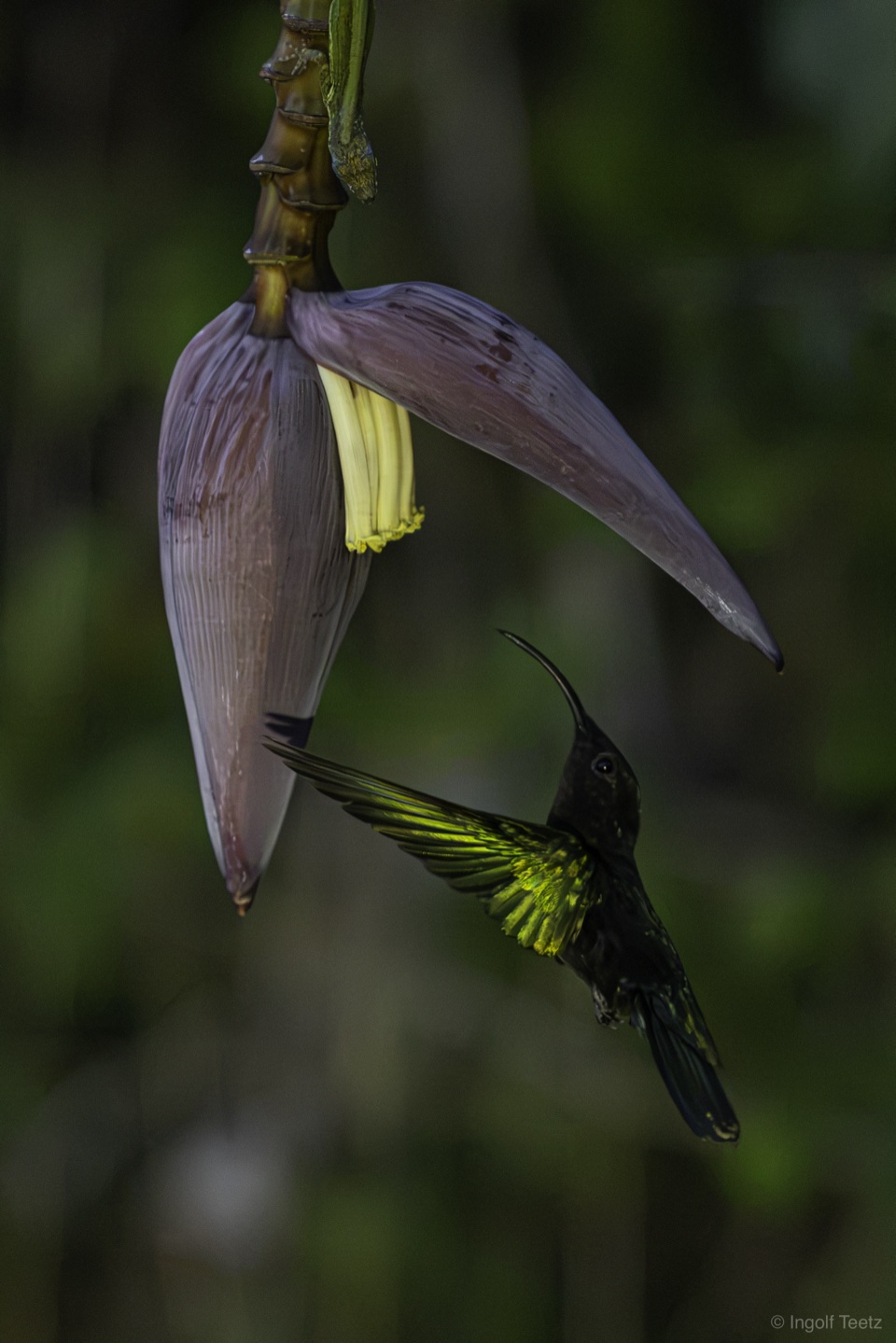
Bottom line: the combination of burst stacks, sharpness marking and score filters cut two weeks of Martinique down to one evening of culling. The creative work happens afterwards — in the editor, with a selection I stand behind.
Try it yourself
RAWFetcher is available on the Mac App Store for $9.99. Insert a card, enable burst mode, make your selection — before you import a single image.